The short answer
- Give every HOA maintenance request one of five statuses: received, scheduled, waiting on a vendor, done, or declined with a reason.
- One board member moves each request and updates it the day anything changes, and a request that is waiting always carries the date someone will look again.
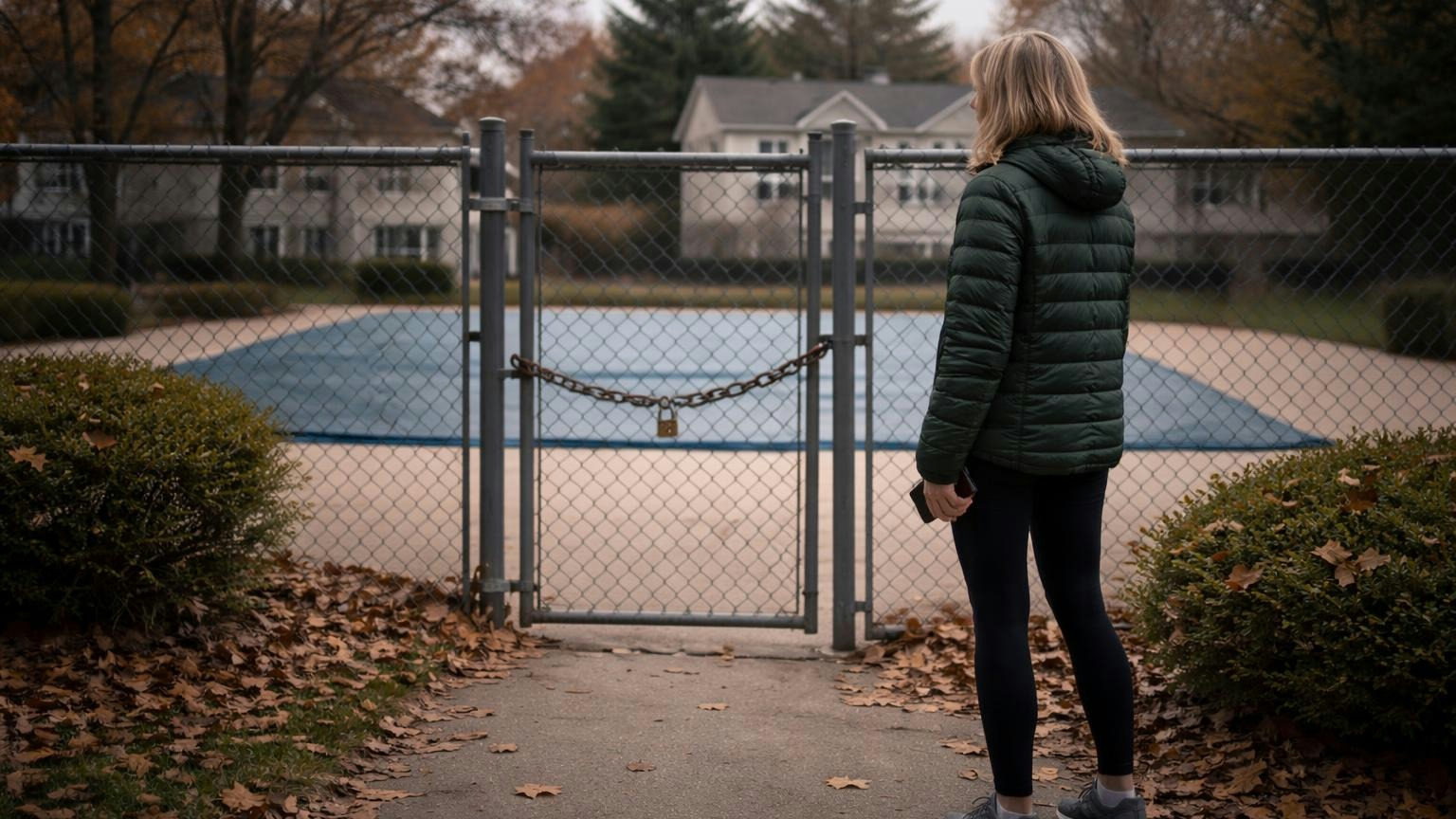
- Post the common-area list where owners already look. In the illustration below, one broken pool gate draws four reports in nine days, though the part is ordered on day two.
Say the pool gate stops latching on a Tuesday. By the following Thursday the board has four reports about it: two emails, a text to the president, and a comment under a post about holiday lights.
The part was ordered on day two. Nobody outside the board can see that, so to every owner who walks past, the gate looks forgotten.
That is what happens to an HOA maintenance request with no status: the work can be on time and still read as neglect, because the owner who reported it is left guessing. The fix is small: five words, one person to move them, and a page where owners can see them.
The cost: Why one broken gate gets reported four times
"Where is my request?" is one of the five questions owners bring to their board again and again, and it is fair. The owner saw something broken and said so. Then nothing they could see happened.
So they report it again, to someone else, somewhere else. Each new report lands on a volunteer who does not know the gate is handled, and starts over. The vendor gets two calls. The owner who asked first hears nothing, and decides the board does not care.
Nobody is being difficult. The answer existed; it was just in the treasurer's inbox.
Why HOA owners keep asking the board the same 5 questions

The five statuses: What each one promises the owner
A status is a one-word promise: what has happened and what happens next. For a self-managed board, these five cover most of what comes in.
| Status | What it tells the owner | Who sets it | What it must carry |
|---|---|---|---|
| Received | Someone on the board has it. | The request owner, the day it arrives | The date received and who has it |
| Scheduled | A date is set for the work or the look. | The request owner | The date, and who is coming |
| Waiting on a vendor | The work is under way but stuck on a part, a quote or a crew. | The request owner | What it is waiting for, and the date someone will look again |
| Done | It is fixed. | The person who checked the work | The date, and a photo of the fix |
| Declined | The board will not do this one. | The board, the way its governing documents say it decides | The reason, the rule or document behind it, and who to ask |
Two of these carry the weight.
Waiting is the status owners most need to see, and the easiest one to skip. A request stuck on a part looks exactly like one nobody touched. "Waiting on a replacement closer, ordered Oct 22, next look Oct 30" turns silence into progress.
Declined needs a reason, or it is just a no. "Declined: the fence behind lot 14 belongs to the owner under the declaration's maintenance section; we have noted it on the map" closes the question. A bare "not our responsibility" opens three more.
The rules: Who moves a request, and when
Four rules that keep the statuses true.
- One owner: Every request gets one board member's name. Only that person changes its status.
- Same day: The status changes the day anything changes, not at the next meeting.
- Next look: Waiting always carries a date. When the date arrives, it gets a new status or a new date.
- One request: A second report of the same thing joins the first, and its owner gets the first one's status.
The fourth rule ends repeat reports. When the second owner writes in about the gate, the answer is not "thanks, we'll look into it". It is "That one is already in: waiting on a replacement closer, next look Oct 30. We'll tell you both when it's done."
The example: One pool gate, start to finish
Here is the gate from the opening, with a status at every step. It is an illustration, not a real community's file.
The pool was closed for the season, so it is tempting to call the gate a spring problem. It is not. Pool Safely, the U.S. Consumer Product Safety Commission's drowning-prevention campaign, says pool water should be reachable only through a self-closing, self-latching gate, with a fence at least four feet high around the pool. A covered pool still holds water. A gate that will not latch is a same-day call, in November or in July.
One gate, five updates, one report that would have been enough.
- Day 0, Tue Oct 20: Received. The president logs it and names the vice president as its owner.
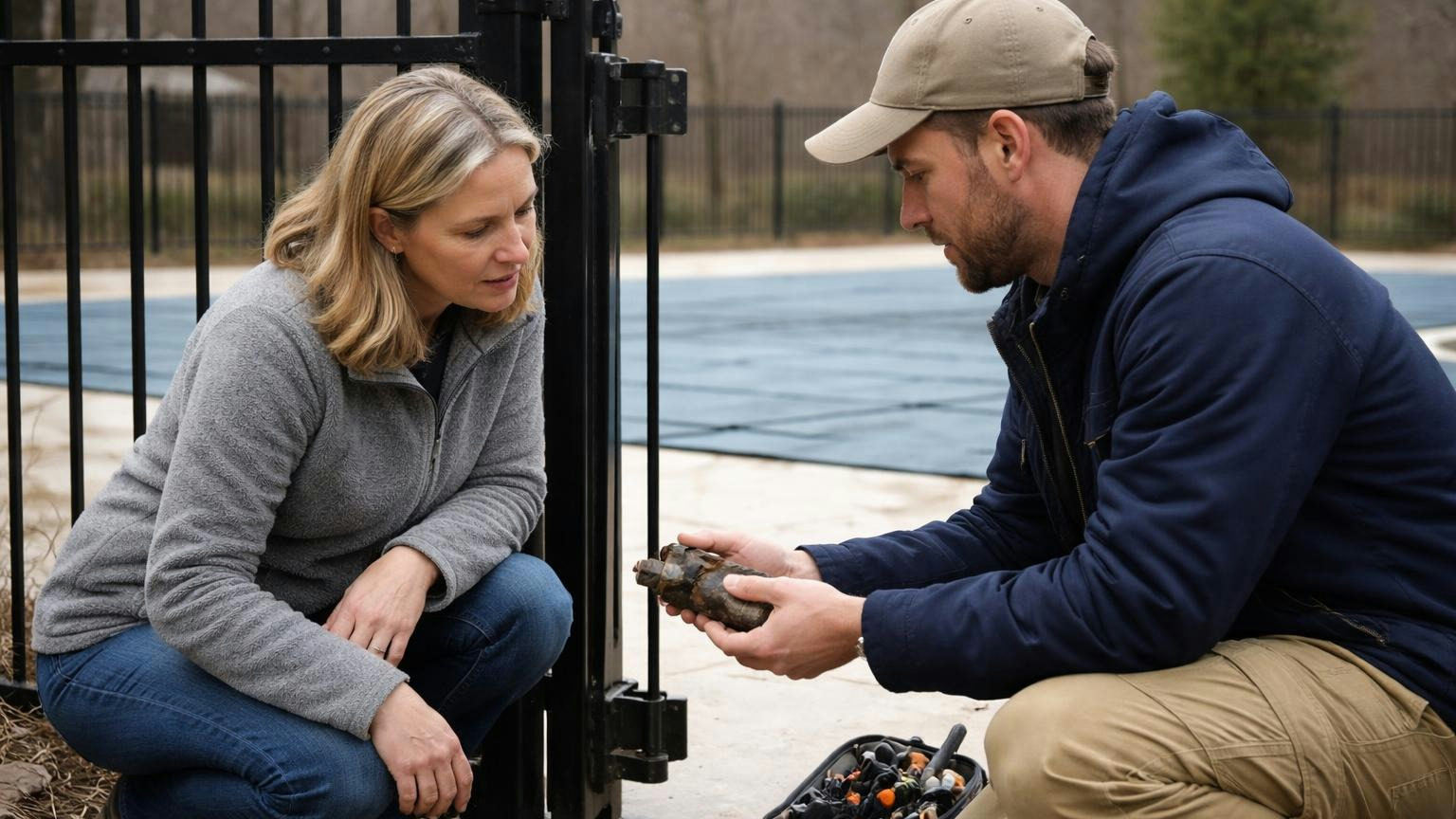
- Day 1, Wed Oct 21: Scheduled. The gate is chained shut and signed; the gate company comes Thursday.
- Day 2, Thu Oct 22: Waiting. The closer is broken; part ordered, next look Oct 30.
- Day 13, Mon Nov 2: Done. New closer fitted, latch tested three times, photo taken.
- Same day: Told. Every owner who reported it gets one note.
Without statuses, that gate drew four reports. With them on the common-area list, the first report would have been the only one: anyone walking past could read "waiting on a part, next look Oct 30" and keep walking.

The page: Where owners see the list
Owners need one line per request, not the whole file:
- the request number and what it is ("pool gate does not latch");
- where it is ("pool, north side");
- the status, and the date it last changed;
- the next date, if there is one.
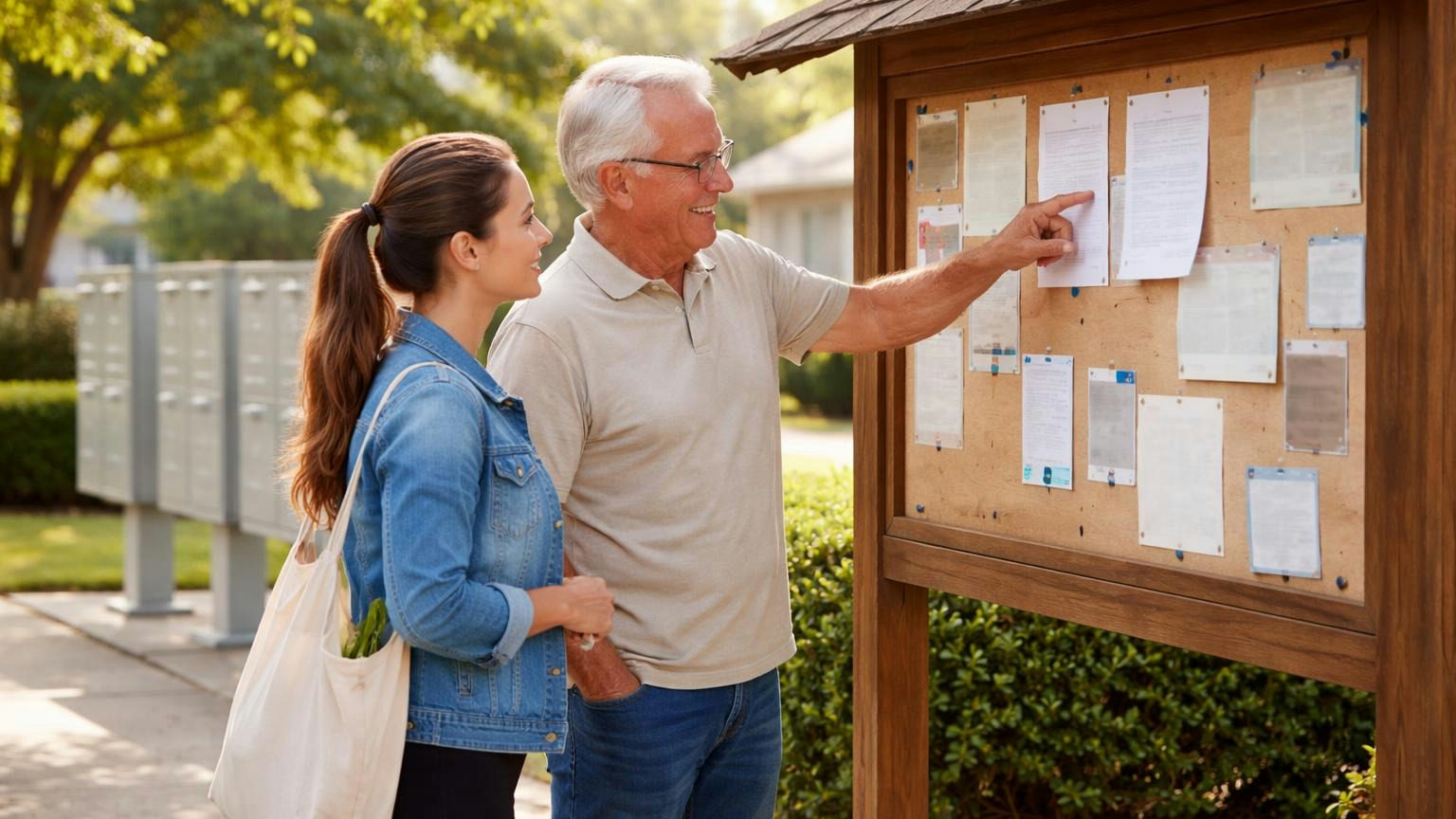
Put it where owners already look: the community website, the notice board by the mailboxes, or the owner portal. Update it from the board's own list, so there is only one version.
Leave names off. The public list says what and where, never who reported it. Requests inside a home, about a neighbour, or anything else a person would not want posted stay between the board and that owner, who gets the same statuses directly.
The note: How to close the loop
The step that is easiest to forget is telling the person who asked. Keep it to a sentence or two, sent the day the status changes.
- Received: "Got it, thank you. Sam has this one and will update you."
- Scheduled: "The gate company is coming Thursday. Until then the gate is chained shut."
- Waiting: "The closer needs a replacement part, ordered today. We'll look again on Oct 30."
- Done: "Fixed today and tested. Thank you for telling us."
- Declined: "This one belongs to the homeowner under the declaration's maintenance section. Here is the page, and Pat can answer questions."
Before your next meeting, check:
- Every open request has one board member's name on it.
- Every request marked waiting has a next-look date.
- Every declined request names its reason and the rule behind it.
- Owners can see the common-area list without asking anyone.
- The last owner who reported something heard back the day it was done.
Frequently asked questions
How should an HOA track and update residents on maintenance requests? Give each request a number, one board member as its owner, and one of the five statuses above. Update it the day anything changes, on one list the whole board works from, and tell the owner who reported it the same day.
How long should an HOA take to respond to a maintenance request? Acknowledge every request the day it arrives, and treat anything unsafe (a gate that will not latch, a fallen limb over a path) as same-day. Any deadline your state or governing documents set wins; your attorney can tell you whether one applies.
Should an HOA post maintenance requests publicly? Post common-area requests with what, where, the status and its date, never the name of the owner who reported it. Keep requests inside a home or about a neighbour private, and send those owners their status directly.
What should a board say when it declines a request? Give the reason, name the rule or document it rests on, and say who to ask.
Bottom line: A repair nobody can follow gets reported again and read as neglect. Give every request a status, one person to move it, and a place owners can see it, and the first report is the only one you get.