
Self-managed HOAs that run smoothly use one category of software: a system that does the recurring board work — dues, records, homeowner questions, reporting — not a website that just stores it. That's the real dividing line. A lot of what gets sold as "HOA software" is a filing cabinet with a login. What separates a board that thrives without a management company from one that quietly burns out is whether the tool performs the task, or just holds the paperwork for a human to still do by hand.
Here's what makes this hard to answer with one app name: most boards don't know which tasks to hand to a system first. So they end up half-digital, half-by-hand — a shared spreadsheet here, a PDF there, a Venmo request from someone's personal account — which is often worse than picking an extreme and sticking with it.
The 20-Hour Month, Broken Down
A self-managed treasurer described it plainly on a public HOA discussion board, laying out a typical month running a 130-unit community without a management company:
"I probably spent 20 hours a month on it. Picking up mail. Posting checks. Writing late notices. Depositing checks. Making reports." — a self-managed HOA treasurer, HOATalk.com
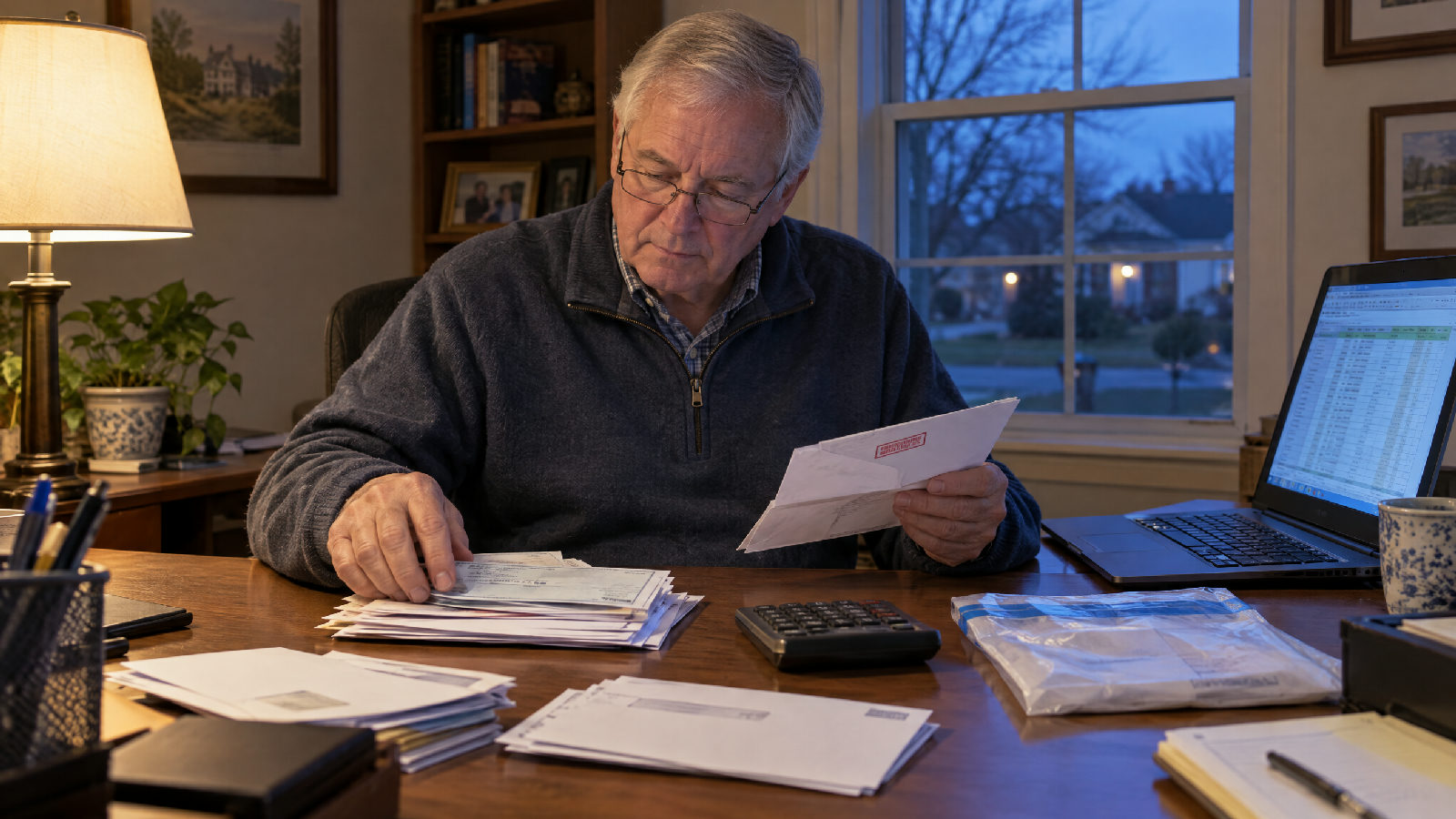
Read quickly, that sounds like a part-time job bolted onto a full-time one. Read correctly, it's five separate manual processes stacked on one person — and every one of them already has a software equivalent that does it without anyone typing a check number into a spreadsheet at 9pm.
The Systems Checklist: What Should Never Be Done By Hand
This is the actual answer to "what software do self-managed HOAs use" — not a brand name, a function list. If a task on this list is still living in a spreadsheet, an inbox, or a shoebox, that's the system gap:
| Manual task (the treasurer's month) | The system replacement |
|---|---|
| Posting checks / reconciling payments by hand | Dues invoiced and matched to payments automatically |
| Writing late notices one at a time | An automatic reminder sequence — no board member typing a name |
| Depositing checks in person | ACH and card payments land directly in the HOA's account |
| Making reports for the board | A live ledger every board member can see, updated in real time |
| Answering "what's my balance?" by email | Homeowner self-serve, answered instantly, any hour |
| Digging for a document on a records request | One searchable home for every file, minutes, and vote |
Six tasks, six systems. None of them require hiring anyone.
Systems, Not Staff — Why This Isn't About Being "Amateur"
None of this is a knock on the board members doing it the hard way today. A treasurer who reconciles dues by hand every month isn't unskilled — they're running an ops job with no ops system, and doing it anyway. The gap was never competence. It was infrastructure. A management company doesn't out-work that treasurer; it just charges the community a monthly fee per home to hand them a system the board could run itself — if the board had the system, not the staff.
That's the actual choice self-managed boards are making, whether they name it or not: keep doing the six tasks by hand, pay a management company to do them instead, or put a system underneath the same volunteers who are already showing up. Only the third option keeps both the money and the control.

Proof This Runs at HOA Scale
RebelHOA was built by someone who sat on an HOA board — who dealt with the management company, and with the gaps the self-managed software he could buy never closed. Support is the person who wrote the code, and the setup is done for the board, not by it.
The gap was never competence. It was infrastructure.
Bottom line: The software self-managed HOAs actually need isn't one app — it's a system for each of the six recurring tasks above. Get those six off the volunteer's evening, and the board runs like it hired a management company without hiring one.
FAQ
What software do self-managed HOAs use? Not one single app — a system that automates the recurring tasks: dues invoicing and payment matching, late-notice reminders, a searchable records home, homeowner self-serve for common questions, and a live financial ledger. Software that only stores documents doesn't remove the manual work; it just moves it online.
Is a management company required to self-manage an HOA? No. Nothing in most HOA governing documents requires a management company — boards are legally allowed to run dues, records, and meetings themselves. The barrier has historically been capacity, not permission, which is exactly the gap software closes.
How much time does self-managing an HOA really take, by hand? By one treasurer's own account on a public HOA forum, roughly 20 hours a month for a 130-unit community — covering mail, payment posting, late notices, deposits, and reporting. That number drops sharply once those tasks move to automated systems.
What's the difference between HOA software and an AI staff? Traditional HOA software stores information and requires a person to act on it — enter payments, send reminders, answer questions. An AI staff performs those actions directly: it invoices, reminds, and answers homeowners without a board member doing the manual step.
Do self-managed HOAs need separate tools for dues, records, and communication? No — and stitching together separate apps is itself a common failure mode (one tool for payments, another for documents, a group text for questions). A single system that handles all of it keeps the board from re-entering the same information three times.